
How to Register on Income Tax Portal
Complete step-by-step guide for first-time taxpayers, delivery partners, freelancers and salaried employees.
What You'll Need
PAN Card
Mobile Number
Email Address
Date of Birth
Why Do You Need an Income Tax Account?
Who Needs to Register?
Swiggy, Zomato, Blinkit, Zepto and other gig workers claiming TDS refunds.
Individuals filing Income Tax Returns or claiming refunds.
Professionals earning income from freelance work and consulting.
Individuals running businesses and managing tax compliance.
Visit the Income Tax Portal & Start Registration
Visit the official Income Tax e-Filing Portal and click Register to begin the registration process. If you're a first-time user, you'll need your PAN card, mobile number and email address ready.
🚀 Register on Income Tax Portal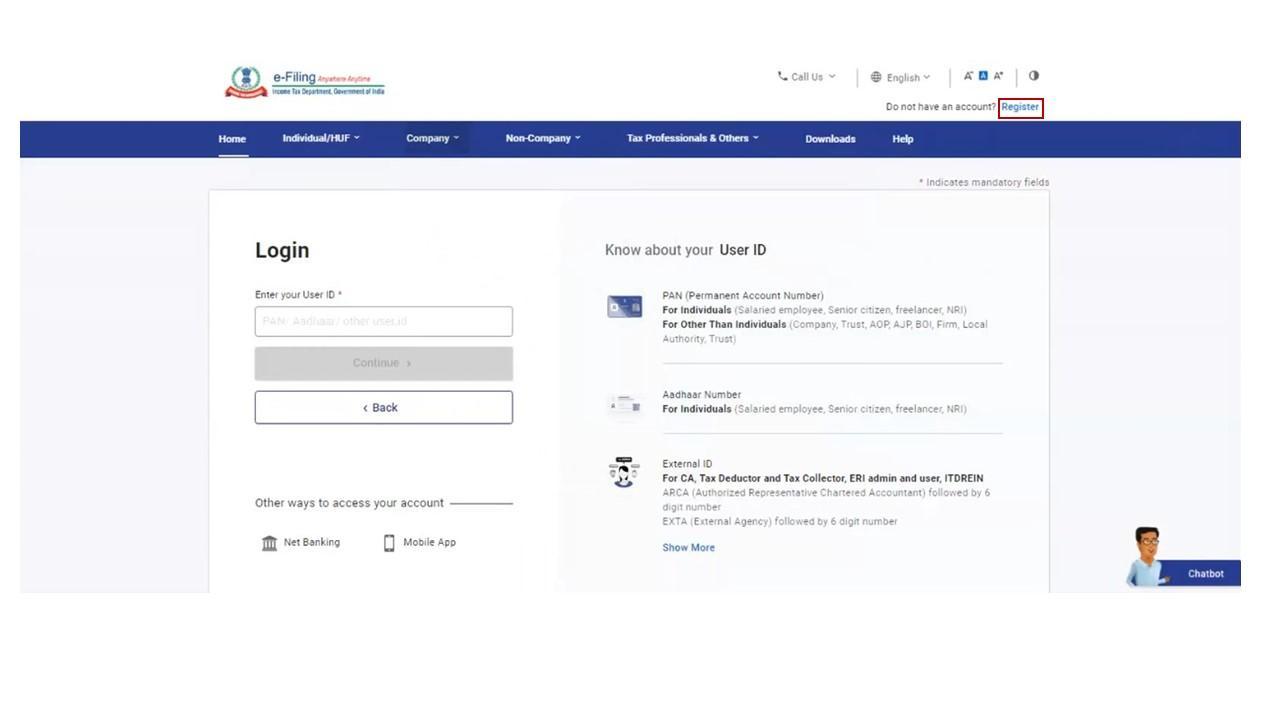
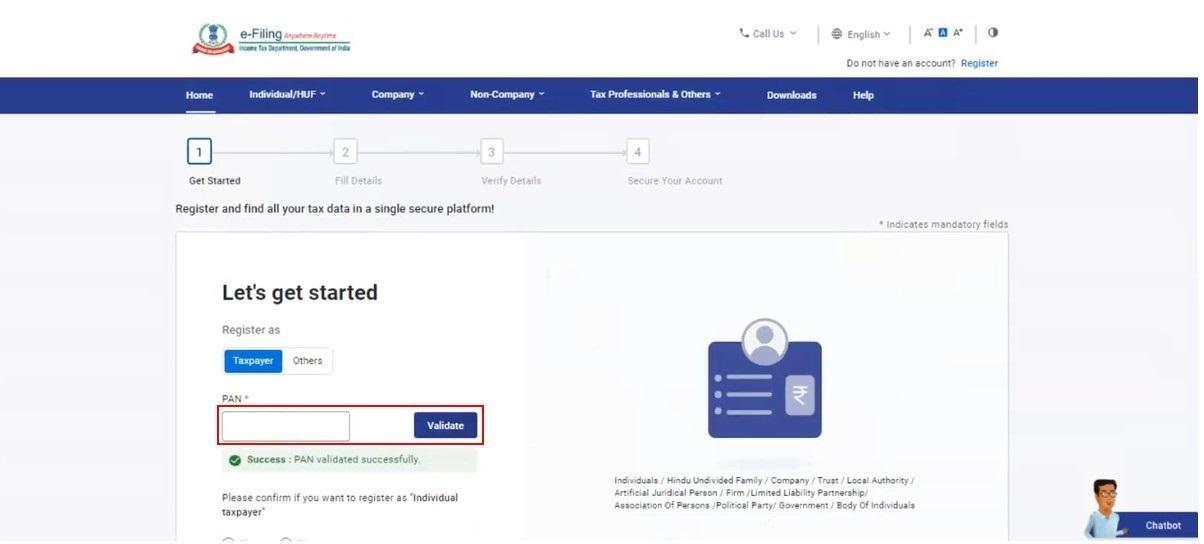
Select Taxpayer Type & Enter PAN
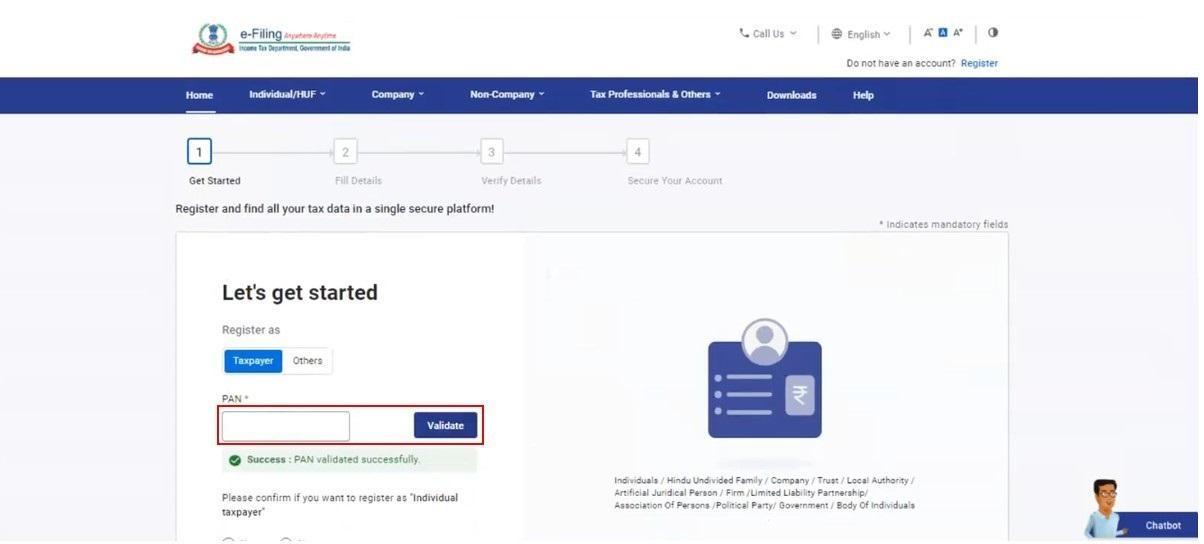
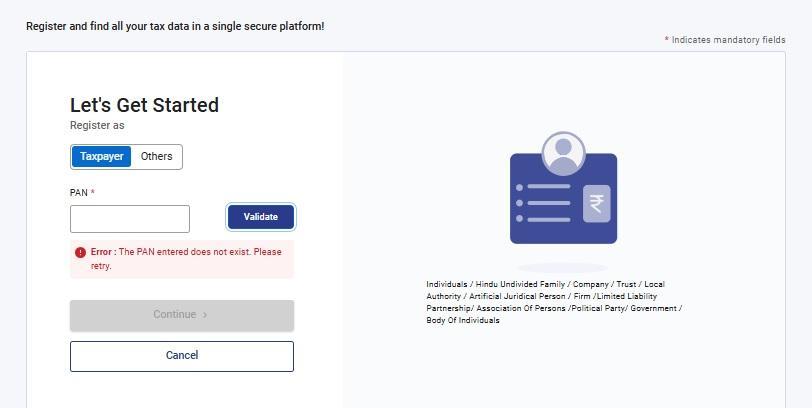
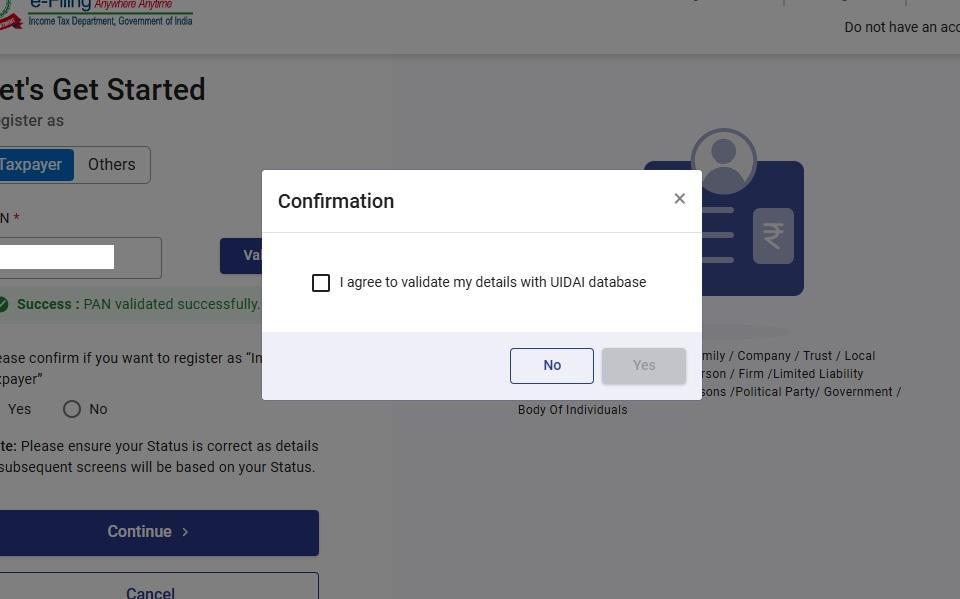
Select Individual as your taxpayer category and enter your PAN number. The Income Tax Portal will validate your PAN details before proceeding.
Provide Personal Information
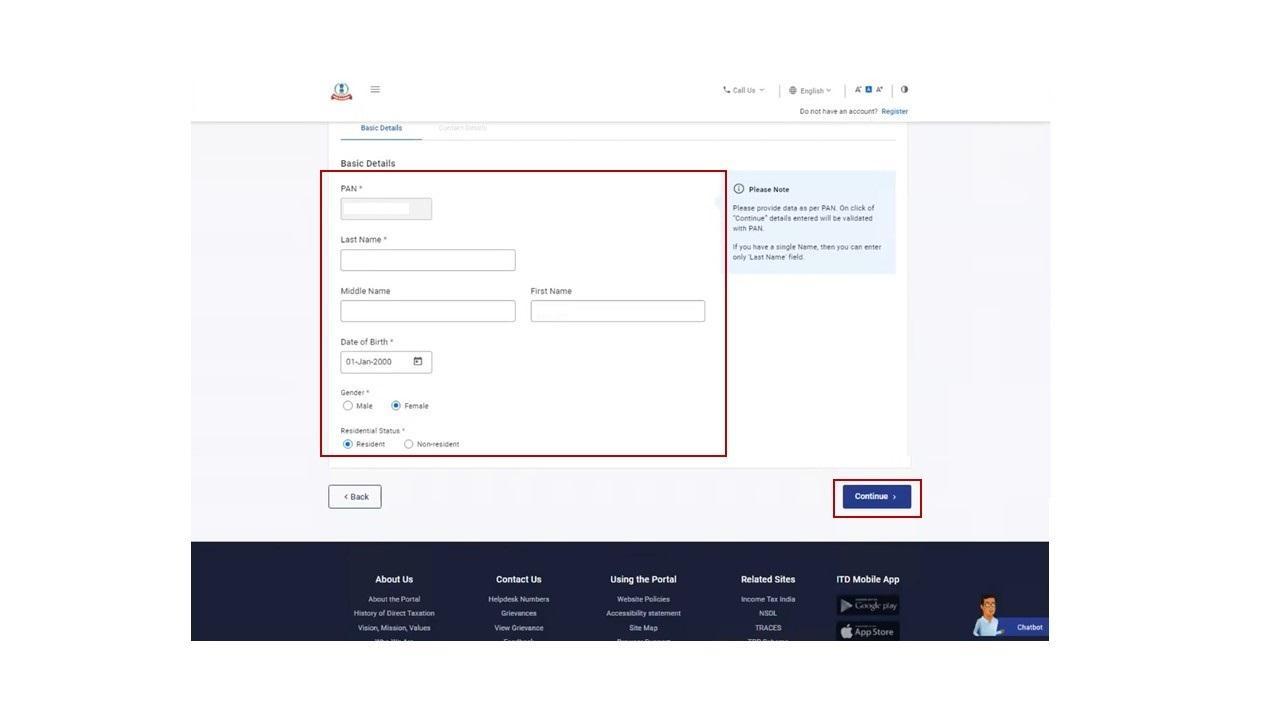
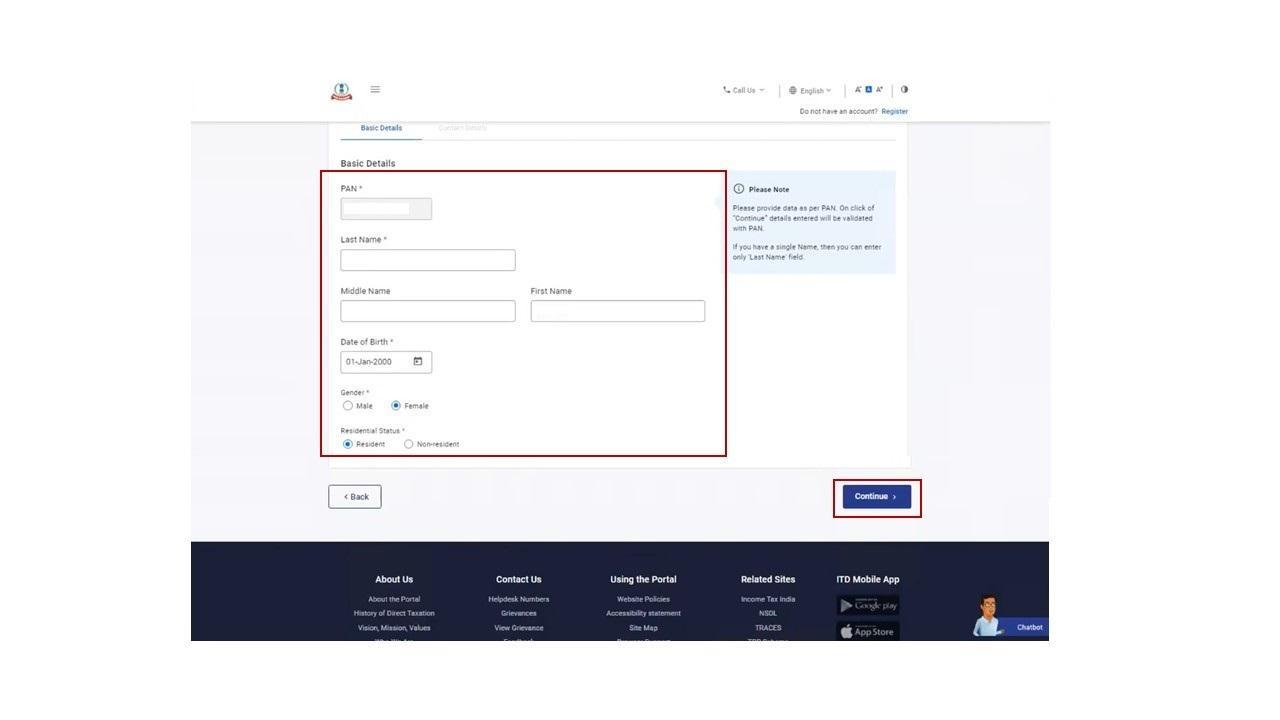
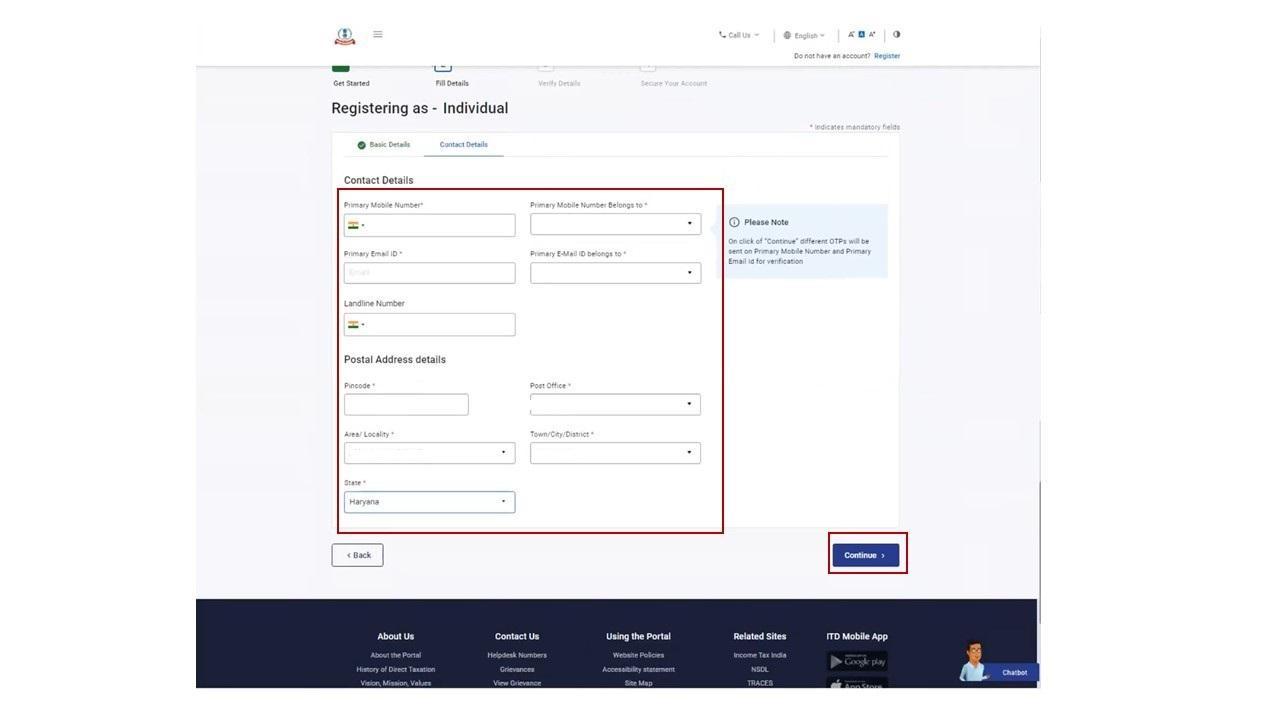
Enter your personal information including mobile number, email address, date of birth and other required details. Ensure all information matches your PAN records.
Verify Mobile Number & Email
The portal will send OTPs to your registered mobile number and email address. Enter the OTPs correctly to verify your contact information.
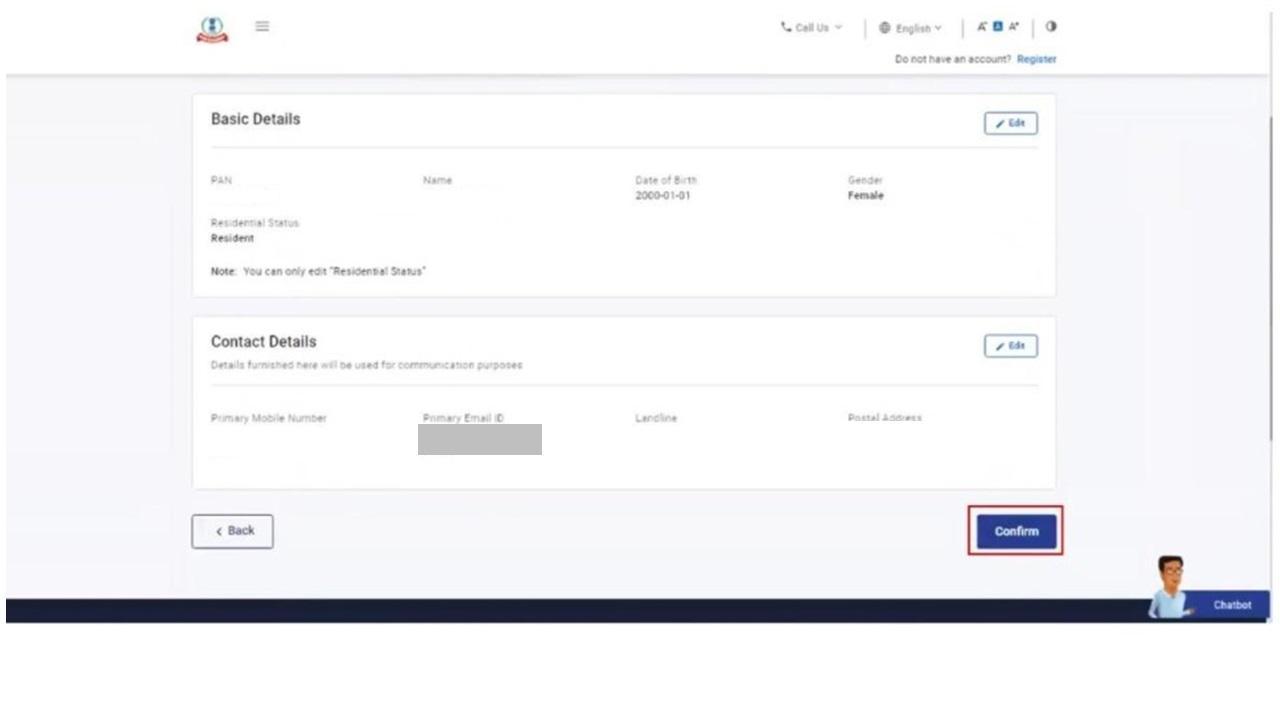
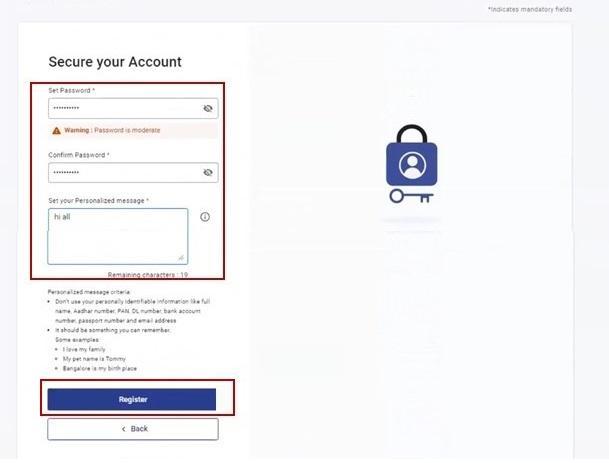
Create Password & Complete Registration
Create a strong password for your Income Tax account and complete the registration process. Keep your login details secure for future use.
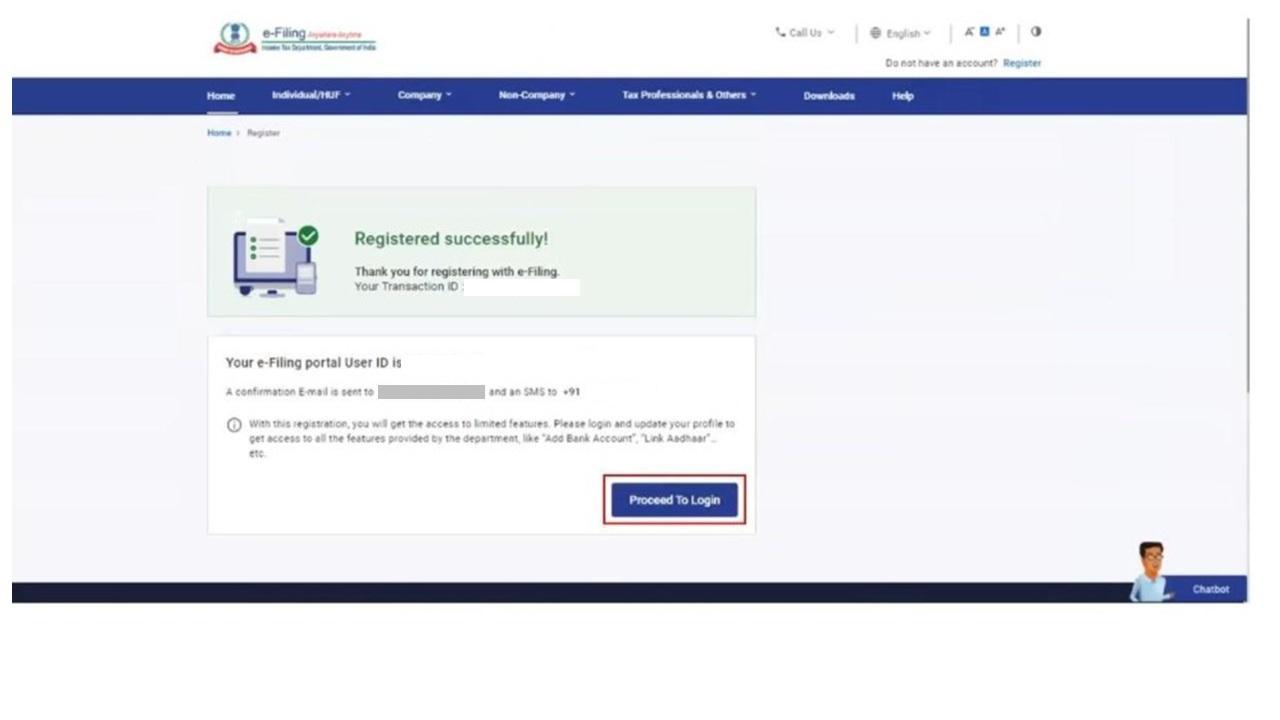
🎉 Registration Successful!
Your Income Tax e-Filing account is now ready. Here are the recommended next steps:
Common Issues & Solutions
Not Receiving OTP?
Wait a few minutes and try Resend OTP.
PAN Already Registered?
Use the Forgot Password option.
Email Verification Failed?
Check your spam folder and try again.